

Effortlessly Automate Your Mobile App Builds
Optimize your mobile app CI workflow with Appcircle's powerful build module, reducing build times and improving overall efficiency.
Mobile Stack Support
Supported Stacks
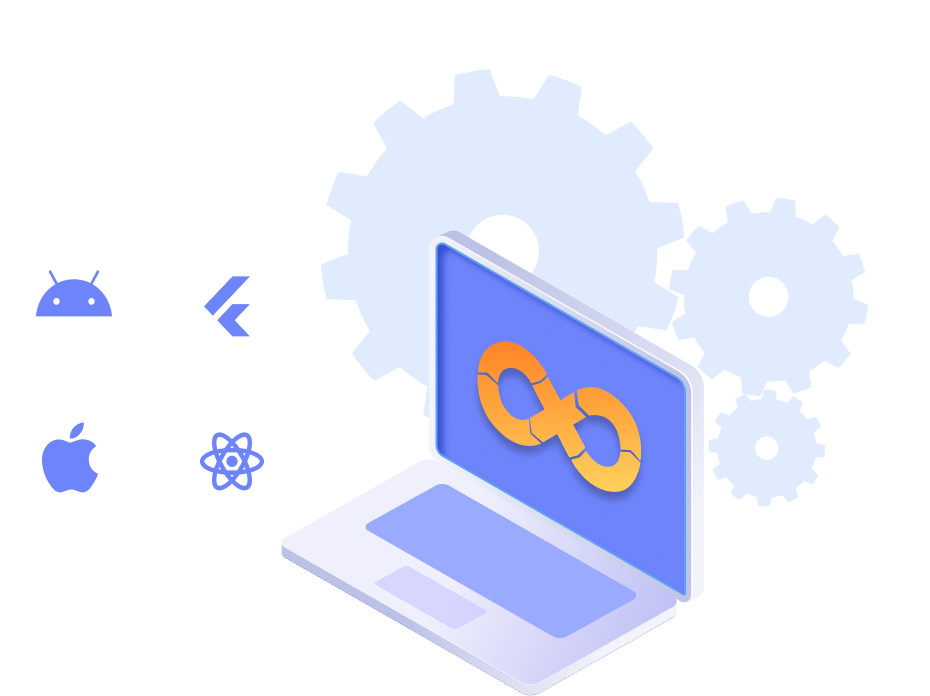
- Appcircle supports all major mobile development stacks, including native (Objective-C/Swift, Java/Kotlin) and cross-platform frameworks (React Native, Flutter).
- You can build apps using popular frameworks like Objective-C/Swift, Java/Kotlin, React Native, and Flutter, all within a single platform, including beta versions.
- Whether you're developing for iOS, Android, or cross-platform, Appcircle helps streamline your build processes to deliver high-quality apps faster and more efficiently.
- Switch between supported versions with a single click. This flexibility helps you stay current with the latest development environments and ensures compatibility across all your projects.
- User-friendly interface for customizing build settings with one-click access to common configurations.
Always Up-to-date
- Appcircle supports all major mobile stack updates within 24 hours, allowing seamless integration for various types of apps.
- Choose your desired Xcode, Android, React Native, or Flutter version, even beta versions, without the need to maintain separate environments for each project.
Seamless Git Integration
Git Integration Made Easy
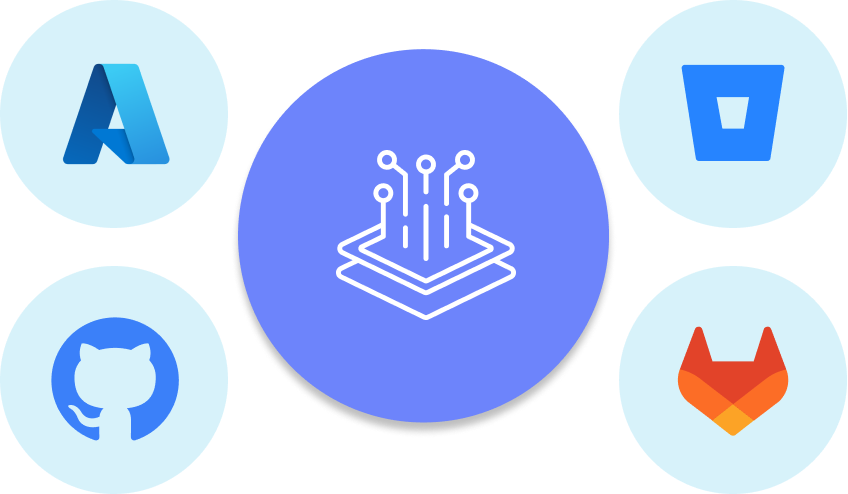
- Easily connect your repository from your preferred Git provider, such as GitHub, Bitbucket, GitLab, Azure, or a self-hosted repository. Appcircle simplifies the connection process, making it effortless to link your source control system. This ensures that your latest code changes are always included in your build process, ensuring your development workflow stays smooth, synchronized, and always up to date.
Connections
- Follow simple guides to connect your repositories from GitHub, GitLab, Bitbucket, Azure DevOps, and more. Easily set up access to both public and private repositories using SSH.
- Need to connect to repositories within internal networks? Appcircle provides clear, step-by-step instructions to make the process hassle-free.
- Manage all your repository connections in one place. Add, edit, and monitor connections with ease through a centralized interface.
User-friendly Setup
Personalized Build Control
- Set up your build profiles with our intuitive interface. Customize build settings to match your project requirements and keep everything running smoothly.
- Easily manage your branches within build profiles. Track, switch, and merge branches without complications.
- Use environment variables to customize your build pipeline. Define your own variables to export during builds and apply them in custom scripts.
- Choose between manual or automatic builds. Set up triggers to start builds automatically based on events like Git pushes or pull requests, or on a schedule you define for nightly and periodic runs.
Configuration Made Easy
- Customize your build configuration, workflows, and triggers through a streamlined interface with one-click access to commonly used settings. Appcircle’s intuitive design makes it simple to set up and manage your build environment, even for complex or large-scale projects.
Continuous Testing
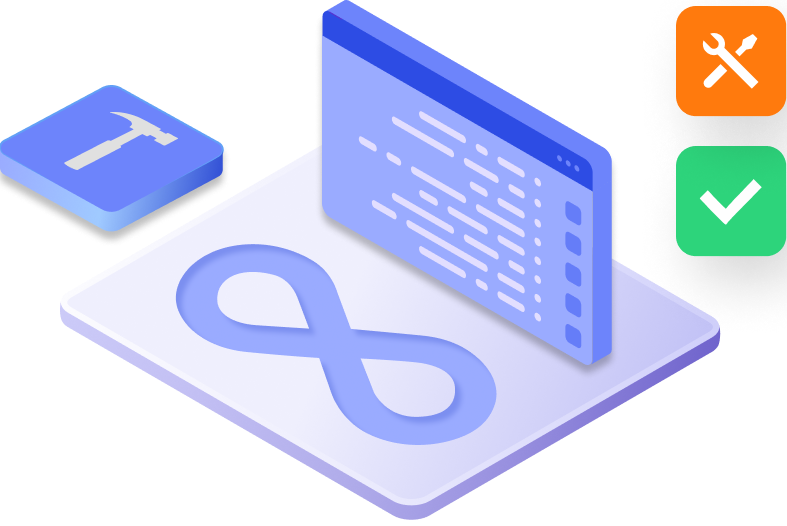
- Ensure top-quality applications with Appcircle's continuous testing capabilities.
- Run comprehensive automated tests with detailed reports that give you full visibility into every code change. Catch bugs early and maintain robust performance throughout your development cycle.
- Get real-time feedback and actionable analytics to monitor test results, identify issues quickly, and continuously improve code quality.
- Appcircle integrates seamlessly into your CI/CD pipeline, enabling efficient, reliable testing that helps your team deliver flawless apps with confidence.
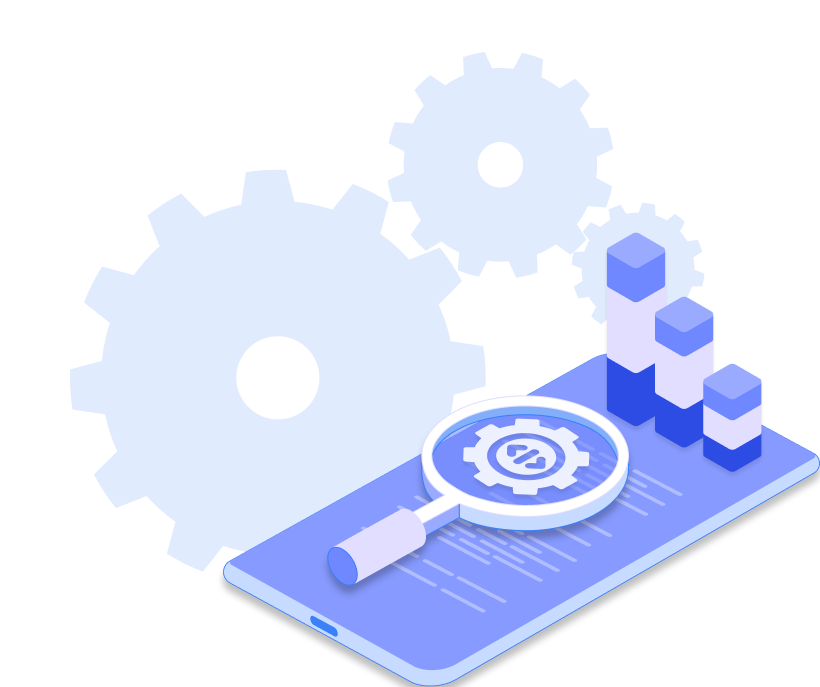
100+ Integrations
- Automate your mobile CI/CD pipeline with Appcircle’s intuitive drag-and-drop workflows—everything flows smoothly.
- Customize your build workflows with over 100+ Integrations for advanced and custom use cases. Modify any workflow step and apply scripts at different stages to meet your specific requirements.
- Appcircle’s extensive library of open-source integrations includes tools for testing, deployment, notification, and more, enabling you to create a tailored CI/CD pipeline that fits your exact needs.
- You can also add custom scripts in Bash, Ruby, Python, or Node.js to further extend functionality. Scripts can even be pulled directly from a Git repository for centralized, version-controlled reuse.
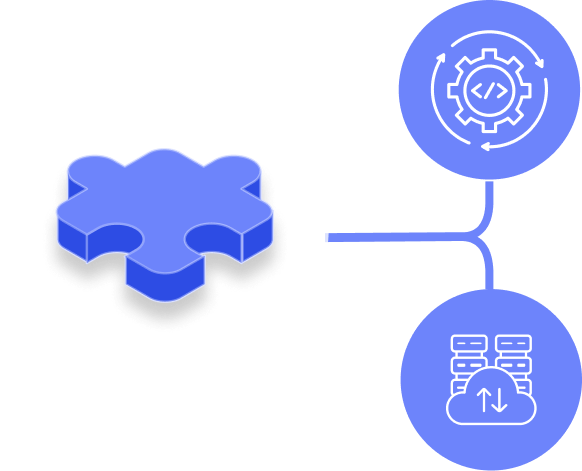
Clean Build Architecture
Consistency You Can Trust
- Appcircle’s build system is designed with clean build principles and strong isolation at its core, ensuring each build starts from a completely fresh environment. No residual artifacts. No outdated dependencies. Just clean, reliable, and reproducible builds, every time.
- By eliminating cached files and avoiding reuse from previous runs, clean builds help you catch hidden issues early and ensure consistent results across all environments. If it works once, it works everywhere.
- Each build runs in an isolated environment to prevent cross-build interference and enhance security. This setup allows multiple builds to run in parallel on a single host without compromising performance or stability. For a deeper dive, check out our in-depth blog post: Isolation as Key: Optimizing Performance in Concurrent Builds on a Single Host.
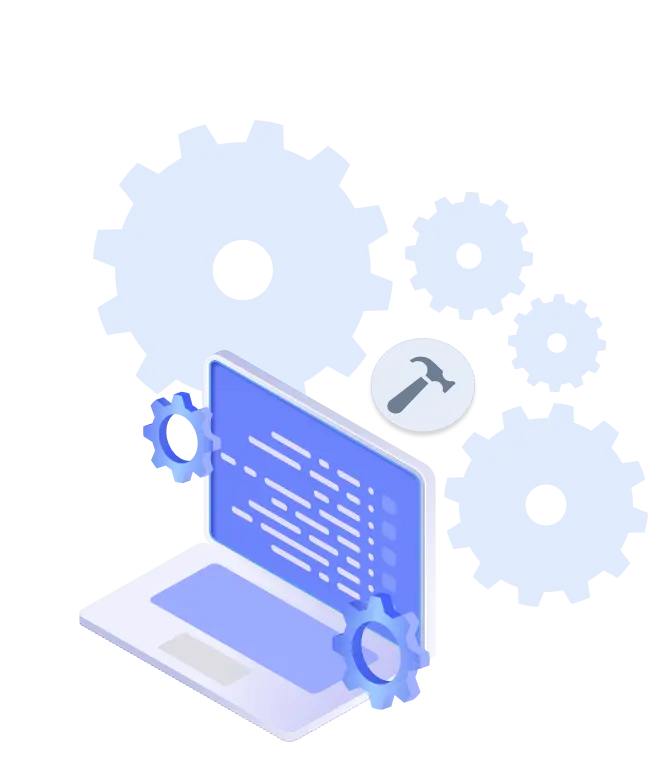
Build Module Overview
Introducing the Build Module, your complete CI solution for mobile apps with seamless integrations, customizable pipelines, built-in testing, and optimized performance for fast, consistent, and secure builds.

Advanced Caching
Superfast builds with reduced wait times! Accelerate your build processes with advanced caching in Appcircle, ensuring optimal performance combined with the stability and privacy of a fresh build machine for each build.
The caching mechanism reduces build times and improves efficiency, enabling faster delivery of your apps.

Versioning and Release Management
Simplify and automate release numbering and versioning to keep your builds organized and easy to manage.
Available for both iOS and Android applications. Automated versioning helps maintain a clear and consistent release history, crucial for tracking and managing app updates.

Scheduled Builds
Automate builds on a fixed schedule, not just on repository activity. Nightly builds and regression runs stay on schedule without anyone remembering to start them.
Available per build profile with your own time zone and cadence. Scheduled runs are tracked separately in Build History, keeping your reporting clean. Your team starts the day with a build that is already tested.

CodePush: Over-the-Air App Updates
Deliver real-time updates to your React Native apps without waiting for app store approvals.
Appcircle’s CodePush feature enables instant OTA deployments, controlled rollouts based on user segments, and seamless rollbacks—ensuring faster releases, better performance tracking, and a more stable user experience.

Deployment Options
Every organization has unique deployment needs. Appcircle offers flexible options—Public Cloud, Private Cloud, or on-premise—powered by a portable, container-based architecture. Deploy on GCP Public Cloud, on-premise, or privately via the AWS or Microsoft Azure Marketplace, Appcircle adapts to your environment and requirements.
Build History and Activity Logs
Stay on top of your development workflow with detailed build history and activity logs. Easily view and apply advanced filtering to analyze past builds with key details such as start time, initiator, file size, platform, and build duration. Get a clear overview of your CI/CD activity to ensure everything is running smoothly at a glance.

Build Insights Report
Get a full CI health report from your builds. Just ask the Appcircle Claude Assistant, or call it directly from any MCP-compatible client. Get a maturity assessment, health snapshot and trends, root cause analysis, workflow quality checks, artifact health, and queue time, all in one report.

Notifications and Webhooks
Stay up-to-date with the status of any event through your preferred notification channel, whether it is Slack, Microsoft Teams, Email, or just use Webhooks for your own event notification integration. Real-time notifications help you respond quickly to build app issues and keep your team informed of progress.

Machine Plan
Access higher tier machine plans such as Velocity and Ultra in addition to Standard. With more powerful cloud-based resources, your builds complete faster while maintaining reliability, scalability, and optimal performance for demanding projects.
Get Started with Appcircle
Save time, reduce costs, and increase developer productivity
FAQs
What is the Build module?
Can I schedule builds to run automatically at specific times?
How do I connect my GitHub, Bitbucket, or GitLab account to Appcircle?
How can I connect to a private repository via SSH?
What build integrations are available in Appcircle?
How can I manage environment variables and secrets securely?
How do I build iOS applications?
What is the process for building Android applications?
How can I build React Native applications?
What steps are involved in building Flutter applications?
Can I build Ionic projects with custom scripts?
Get informed about news, new releases, and mobile DevOps.