


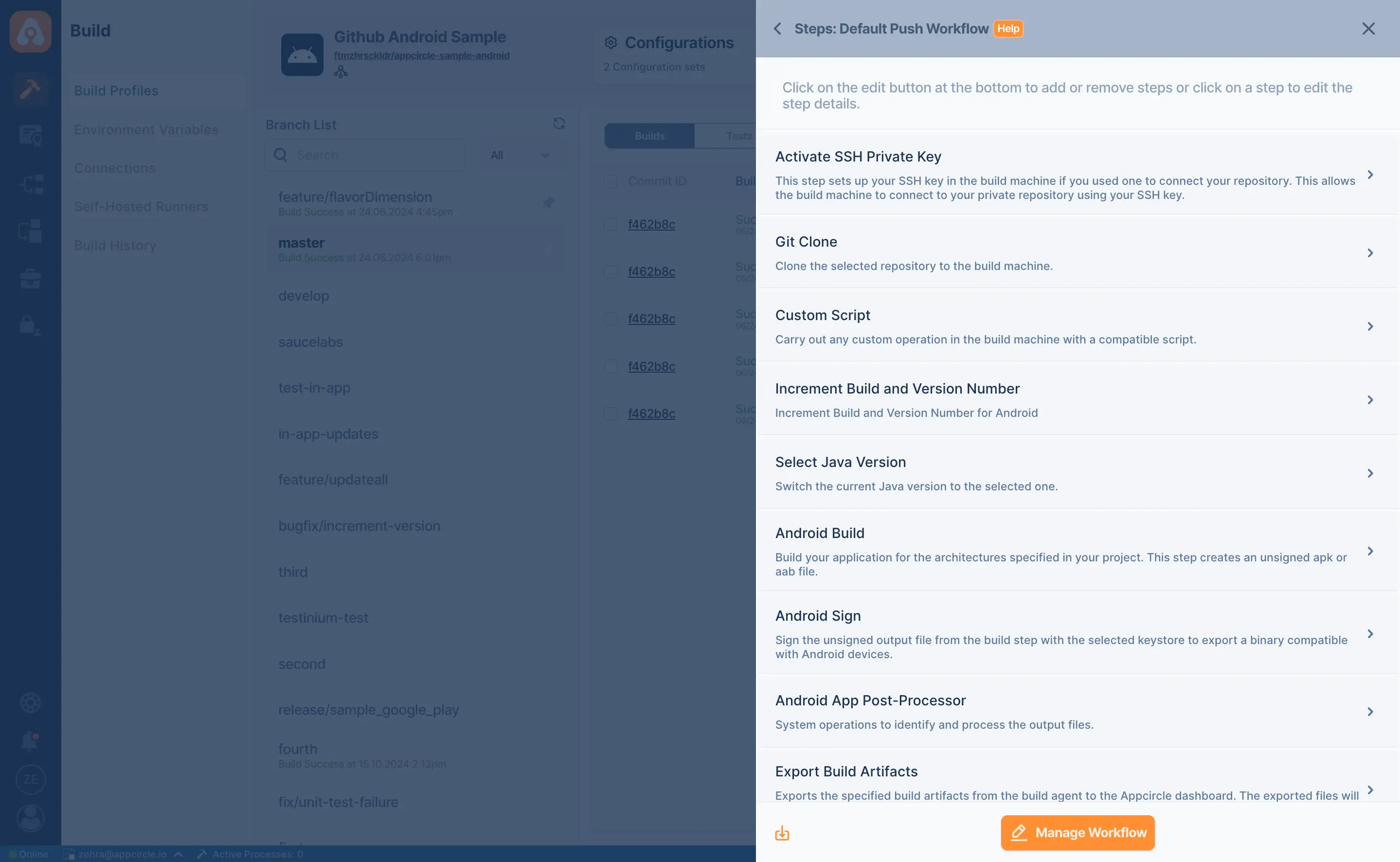
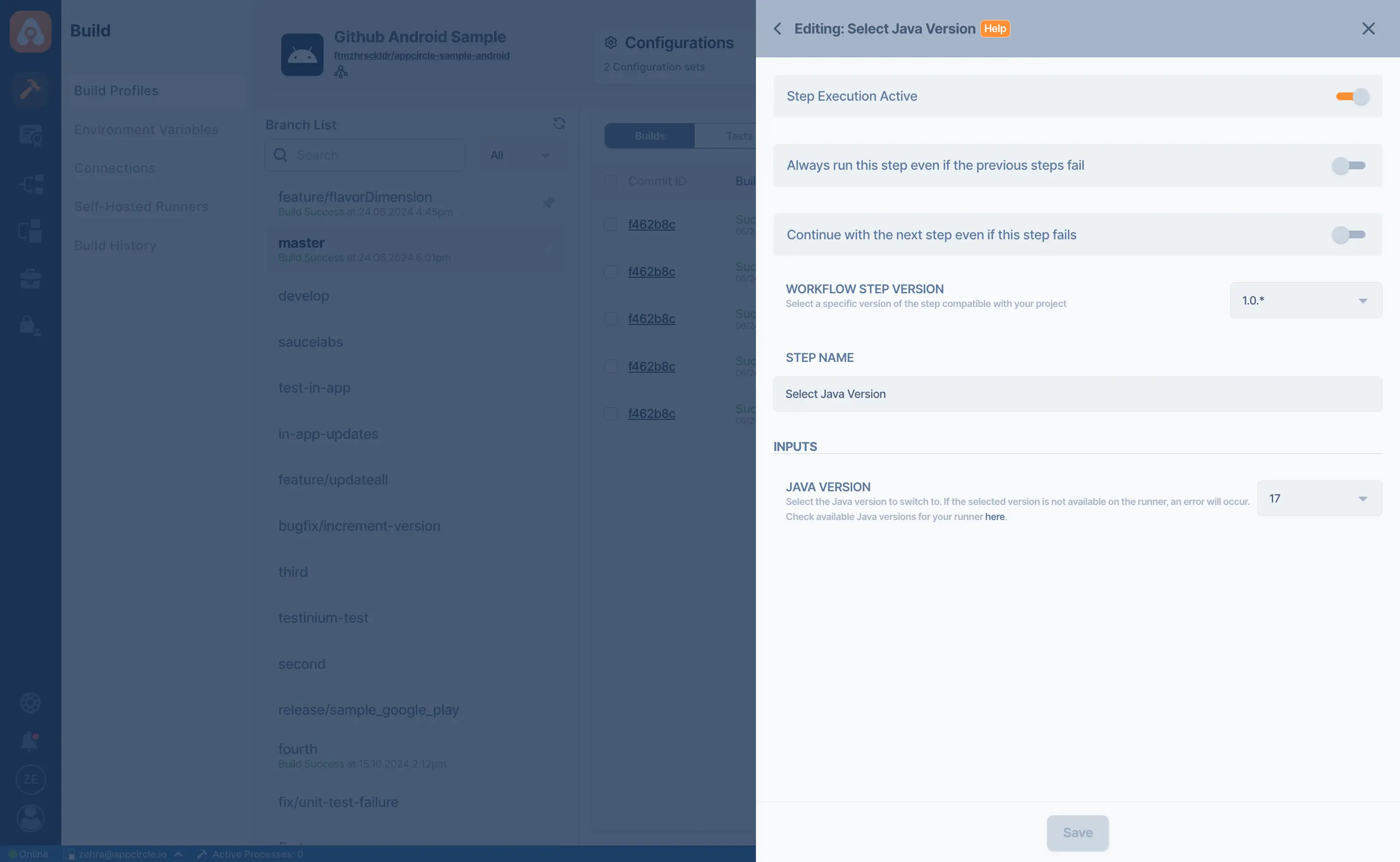
Select Java Version
Appcircle's Select Java Version component allows you to easily switch between Java versions, enabling compatibility and flexibility for diverse project requirements.
Key Benefits
Flexibility in Java Environment: Easily switch between Java versions to meet project or dependency requirements, ensuring compatibility and minimizing conflicts.
Enhanced Build Reliability: Use the appropriate Java version for each stage of the CI/CD pipeline to reduce build failures caused by version mismatches, improving overall stability.
Easy Integration: Integrates smoothly into existing CI/CD pipelines with minimal configuration.
Automation-Friendly: Supports automated Java version changes within pipelines, reducing manual work and saving time.
Points to Consider
Version Selection: Select the Java version compatible with your application's dependencies and libraries to avoid runtime errors or incompatibilities.
Configuration Consistency: Ensure consistent Java versioning across different environments (development, testing, production) to avoid unexpected behavior during deployments.
Update Management: Regularly monitor and update the selected Java versions to align with security patches and performance improvements.
Documentation: Clearly document the Java version requirements for each project or pipeline to maintain clarity and avoid confusion for team members and stakeholders.

For more information on setup and usage, please visit Appcircle Technical Documentation
FAQs
How do I change the Java version?
How can I check the Java version of my Android project?
Get Started with Appcircle
Save time, reduce costs, and increase developer productivity
Get informed about news, new releases, and mobile DevOps.